Platform

MetaTrader 4 Platform for Charts, Analysis, and Execution

MetaTrader 4 is built for traders who want charting, technical analysis, order execution, and account handling to stay inside one working environment. Instead of separating review, trade placement, and strategy use across disconnected tools, MT4 keeps the workflow more structured and easier to manage over time.

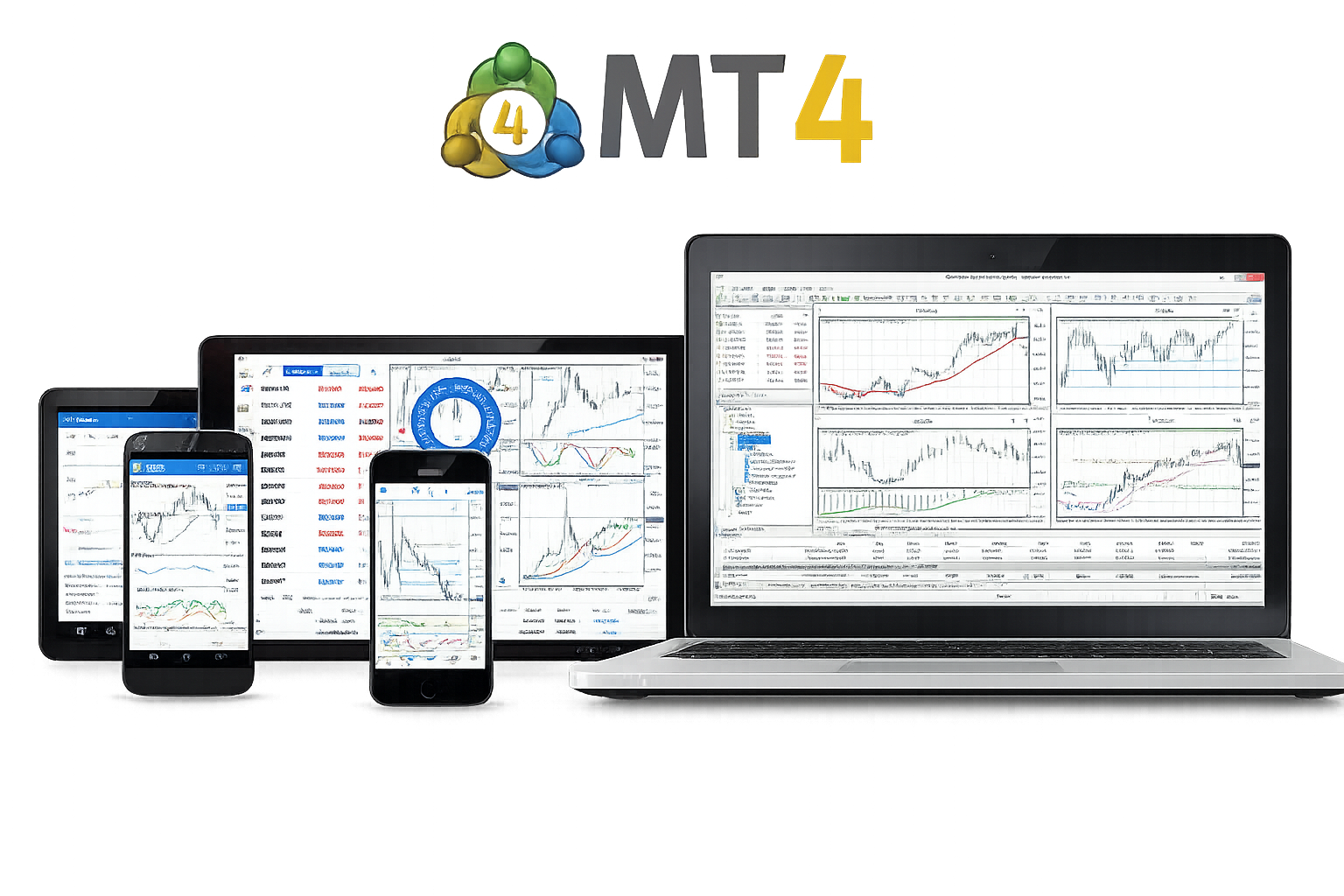
MetaTrader 4 platform interface preview

Technical Analysis

For many traders, platform quality starts with chart reading, indicator use, and market structure review. MT4 remains widely used because those analysis tools stay close to execution.

Analysis workflow

Use technical analysis to build a clearer trading process

MT4 supports traders who work through price structure, indicators, and multi-timeframe chart review before placing trades. That makes it easier to move from observation to decision-making without breaking the analysis flow.

Trend review

Helps traders read direction, rhythm, and broader price structure before acting on shorter-term movement.

Indicator support

Lets traders combine indicators with chart structure for a more complete review process.

Charting Tools

Charting is one of the platform's core strengths. It supports traders who need structure, visual clarity, and enough flexibility to work across different market conditions.

Multiple timeframes

Switch between timeframes to compare short-term movement with broader trend context and market structure.

Drawing and markup tools

Mark trend lines, support and resistance zones, and key levels without leaving the charting environment.

Layered chart review

Use price action and indicators together to support more structured trade review and strategy validation.

Order Execution

A trading platform becomes practical only when analysis and execution work together. Order handling is where workflow quality becomes visible in day-to-day use.

01

Common order types

Supports market orders, pending orders, stop loss, and take profit inside the same trading environment.

02

Position handling

Manage open trades, adjust risk settings, and review account exposure without breaking the workflow.

03

Analysis and execution stay connected

When chart review and trade placement stay close together, the platform becomes more useful for active, repeatable trading routines.

Desktop, Web, and Mobile Access

MT4 is most often associated with desktop trading, but access across devices also matters when traders need continuity beyond one setup.

Desktop remains the main trading environment

For most traders, desktop is where full chart review, deeper analysis, strategy tools, and trade execution come together most effectively.

Desktop Web Mobile Account Access

Other access modes support continuity

Web and mobile access are most useful when traders need account visibility, faster checks, or a practical way to stay connected away from the main terminal.

Web Trading

Web access gives traders a lighter way to reach quotes, accounts, and essential trading actions without installing the full desktop application.

Browser-based access

Useful for quick platform access in environments where desktop installation is not the preferred option.

Better for lighter tasks

Best suited to reviewing quotes, checking positions, and handling essential actions rather than replacing a full desktop workflow.

Mobile Trading

Mobile access helps traders stay responsive when they are away from the main terminal and still need to follow markets or manage open positions.

Mobile trading supports faster follow-up

It works best as an extension of the platform rather than a replacement for the full desktop workflow.

Quote monitoring

Keep track of price movement and account activity without staying in front of the main workstation.

Alerts and positions

Useful for following alerts, reviewing open trades, and making smaller management decisions when timing matters.

Multi-context use

Helps maintain continuity when trading routines move between office, home, and travel situations.

Frequently asked questions

These questions focus on platform fit, trading workflow, and how MT4 is used in practice.

Is MetaTrader 4 good for technical analysis?

Yes. Charting, indicators, multi-timeframe review, and price-structure analysis are some of the main reasons traders continue to use MT4.

Does MT4 support charting tools for active traders?

Yes. MT4 supports chart-based workflows that rely on price review, drawing tools, indicators, and structured trade preparation.

Can trades be placed directly from the platform?

Yes. MT4 supports common order types and keeps execution close to chart review and position handling.

Is MT4 mainly for desktop use?

Desktop remains the main trading environment for many users, while web and mobile access are useful for continuity and lighter tasks.


Explore further

Downloads and accounts

For version selection, installation paths, or account setup details, continue with the download and account sections for more specific guidance.